Physical Address
304 North Cardinal St.
Dorchester Center, MA 02124
Physical Address
304 North Cardinal St.
Dorchester Center, MA 02124

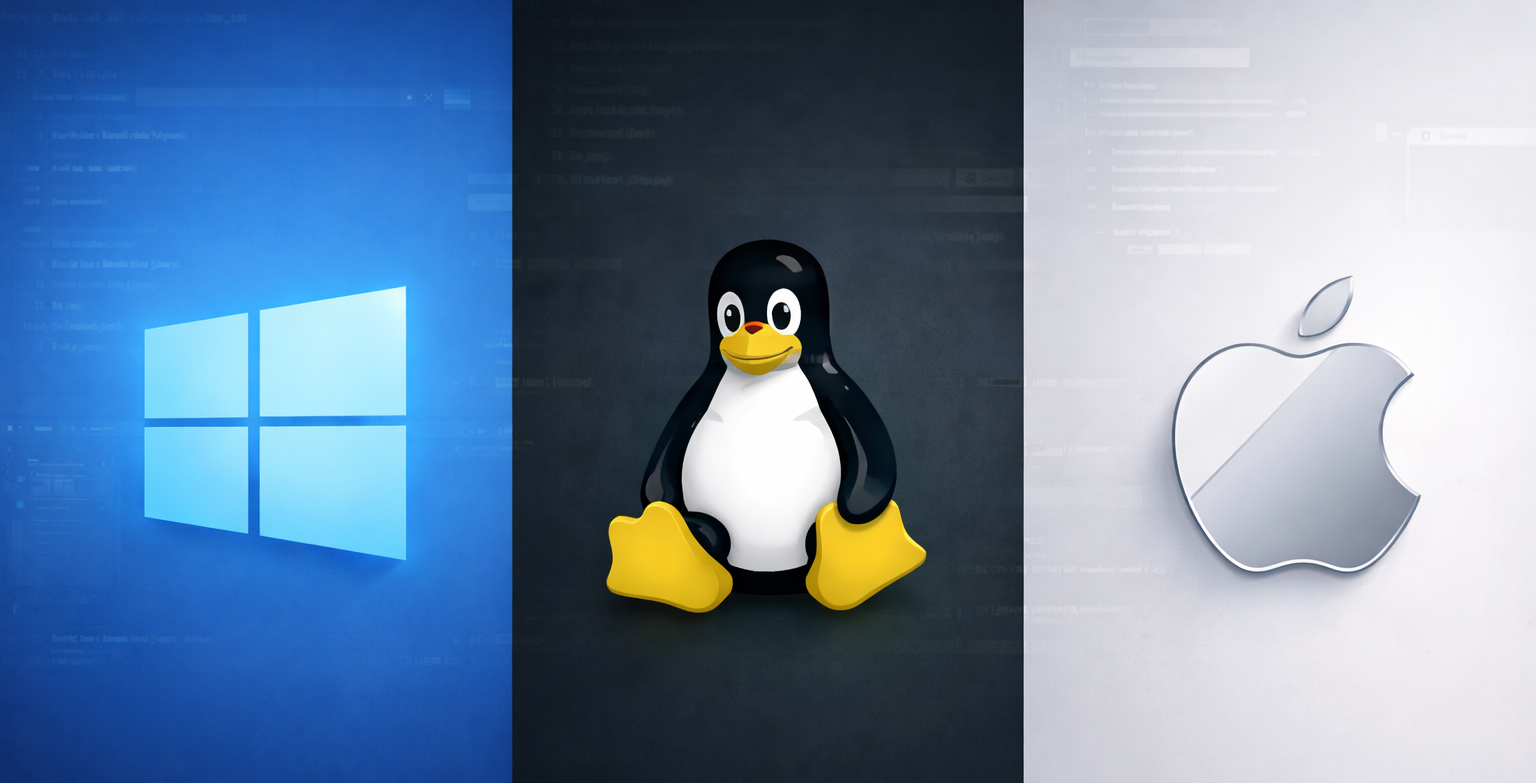
Choosing an operating system for web development is one of the first-and most debated-decisions developers face. Each platform has strengths, trade-offs, and a devoted following. This guide breaks down Windows, Linux, and macOS across the dimensions that matter most to web developers so you can make an informed choice.
| Factor | Windows | Linux | macOS |
|---|---|---|---|
| Cost | $139–$199 (Home/Pro) | Free | Free (bundled with Apple hardware) |
| Hardware flexibility | Vast range of PCs | Vast range of PCs | Apple devices only |
| Native Unix shell | No (WSL required) | Yes | Yes |
| Package management | Winget, Chocolatey | apt, dnf, pacman, etc. | Homebrew |
| Docker support | Via WSL 2 or Hyper-V | Native | Native (via hypervisor) |
| iOS development | Not possible | Not possible | Native (Xcode) |
| Gaming & general software | Excellent | Limited | Good |

Windows dominates the desktop market, offering unmatched hardware variety and software compatibility. For years it was considered awkward for web development because of its non-Unix roots, but Windows Subsystem for Linux (WSL 2) has changed that. WSL lets you run a full Linux kernel inside Windows, giving you access to Bash, native Linux toolchains, and Docker—all without dual-booting.
Best for: Developers who need broad software compatibility, want affordable hardware options, or work in enterprise environments built around Microsoft tooling (.NET, Azure, Visual Studio).
Linux is the backbone of the modern web—most servers, containers, and cloud instances run it. Developing on Linux means your local environment mirrors production closely, reducing “works on my machine” surprises. Distributions like Ubuntu, Fedora, and Arch cater to different preferences, from beginner-friendly to highly customizable.
Best for: Developers who prioritize open-source tooling, want maximum control over their environment, or work heavily with containers, DevOps, and server-side technologies.
macOS combines a polished, user-friendly interface with a certified Unix core (Darwin). It’s the only platform where you can legally develop and test iOS and macOS apps using Xcode. Apple’s tight hardware-software integration delivers excellent performance, battery life, and a consistent experience—though at a premium price.
Best for: Developers building for Apple platforms, those who value design and UX, or anyone who wants Unix tooling in a refined, “just works” package.
Package managers streamline installing languages, databases, and tools:
apt (Debian/Ubuntu), dnf (Fedora), pacman (Arch)brew install node)Docker runs natively on Linux. On macOS and Windows, Docker Desktop uses a lightweight VM or hypervisor layer. Performance is excellent on all three, though Linux has a slight edge for I/O-heavy workloads since there’s no virtualization overhead.
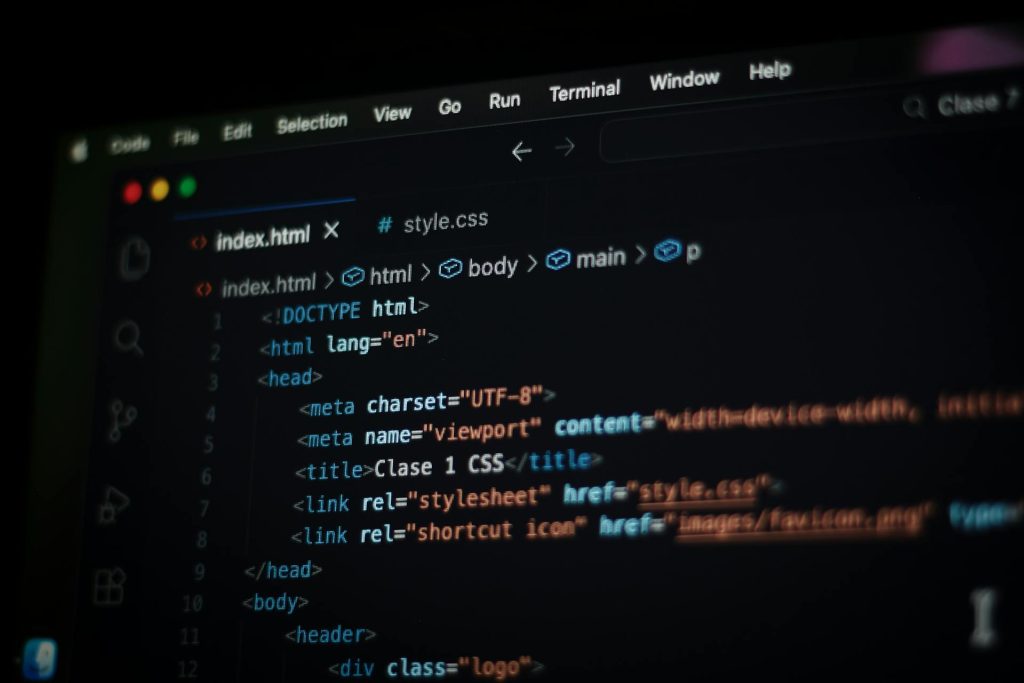
VS Code is cross-platform, free, and dominates web development. JetBrains IDEs (WebStorm, IntelliJ), Sublime Text, and Vim/Neovim all run on every OS. Your choice of editor won’t lock you into a platform.
Nearly every mainstream web-development language works on all three operating systems. The differences lie in how native the tooling feels.
| Language/Runtime | Windows | Linux | macOS |
|---|---|---|---|
| JavaScript/Node.js | Excellent (native or WSL) | Excellent | Excellent |
| Python | Excellent | Excellent | Excellent |
| Ruby | Good (easier via WSL) | Excellent | Excellent |
| PHP | Good | Excellent | Excellent |
| Go | Excellent | Excellent | Excellent |
| Rust | Excellent | Excellent | Excellent |
| C#/.NET | Excellent (home turf) | Excellent (.NET Core) | Excellent (.NET Core) |
| Swift | Limited | Limited | Excellent (native) |
| Java/Kotlin | Excellent | Excellent | Excellent |
Key takeaways:
Any OS works equally well. Front-end tooling—Node.js, npm/yarn/pnpm, bundlers, linters—is fully cross-platform. Pick whichever OS you’re most comfortable with.
Linux or macOS offer the smoothest experience because most servers run Linux. File paths, permissions, shell scripts, and deployment workflows translate directly. Windows with WSL 2 is a close third—effective, but adds a layer of indirection.
Linux is ideal. You’re working with the same OS your containers and servers run. macOS is a solid second choice. Windows works well via WSL 2, though some edge-case tooling expects a true Linux host.

Windows has the strongest ecosystem for game engines (Unity, Unreal) and graphics tooling, though both engines also run on macOS and Linux.
All three are stable for development. Linux and macOS edge ahead for server-mimicking workloads; Windows excels when you need Office, Adobe, or enterprise apps alongside your dev tools.
| OS | License cost | Typical hardware cost |
|---|---|---|
| Linux | Free | $300–$2,000+ (wide range) |
| Windows | $139–$199 | $400–$2,500+ |
| macOS | Free (with hardware) | $999–$3,500+ (MacBook Air to MacBook Pro) |
Linux offers the lowest total cost. Windows provides the broadest price-to-performance hardware options. macOS commands a premium but delivers strong resale value and longevity.
Pros
Cons
Pros
Cons
Pros
Cons
There’s no single “best” OS—only the best OS for your situation.
Many professional developers keep multiple options available—dual-booting Linux and Windows, or running Linux VMs on a Mac. The good news: modern tooling is so cross-platform that switching costs are low. Pick the OS that fits your workflow today, and know you can adapt if your needs change.
What OS do you use for web development, and why? Share your setup in the comments.